Editors provide text conversions from upper case to /from lower case.
Notepad++ provides inbuilt support for converting text to lowercase or uppercase.
This converts the coding files and text files.
How to convert text to upper or lowercase
The following are steps required to do the upper case.
- Open Notepad++ editor
- Select the file to open it
- Select the text you want to convert. You can also use
Ctrl + A - Right-click and it shows the following options as given in the screenshot
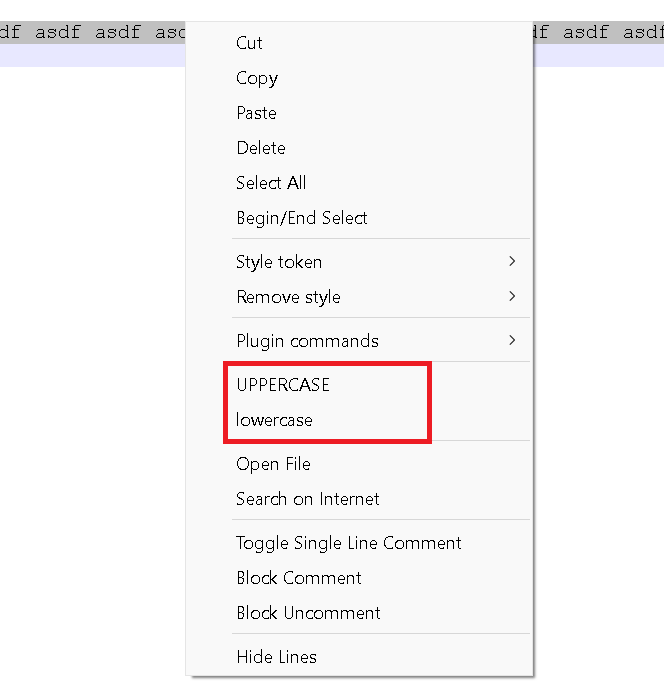
- Select
UPPERCASEto convert to uppercase( you can also use shortcutCtrl + Shift + U) - Select
lowercaseto convert to small case(Ctrl + Ufor lowercase)
Shortcut command for upper and lower case:
| Command | Description |
|---|---|
| Ctrl + A | Select the text |
| Ctrl + U | Convert the selected text to lowercase |
| Ctrl + Shift + U | Convert the selected text to uppercase |